


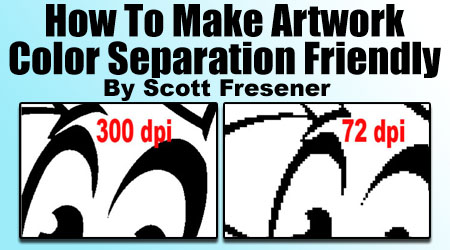

FastART – Back by Popular Demand. Great Artwork – Cheap!
FastART Volumes 1 - 29. Re-Released!
FastART was first introduced in 2002 as a way to help users of our popular Photoshop color separation program,...

Printing Photoshop Channel Separations in Illustrator or Corel Draw
It is very common to create "channel" color separations in Adobe Photoshop. This is how automated color separation programs like T-Seps make separations. And, if you...

Color Separations 101 – by Scott Fresener
Color Separations 101 - Everything you ever wanted to know about Color Separations
This article is for anyone involved in creating, managing or just even...

Preparing Artwork for DTG Printing by Scott Fresener
This is a topic that a book could be written about because a lot of things that need to be or could be done...

Final Separation Tweaks in Adobe Photoshop
This article will assume you already have a basic Photoshop channel separation done as Simulated Process Color. The information here is geared more
towards doing...
Stop Ruining Great Artwork by Scott Fresener
This is a topic I deal with every day as I do high-end photorealistic color separations for the industry. The original artwork is often...

Combining Corel Images with Photoshop
Scott Fresener gives a short tutorial on the best way to use Corel images in Photoshop.
Color Separations in Photoshop with Scott Fresener
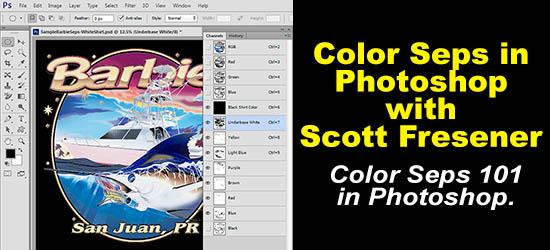
It is almost impossible to tell everything you need to know about color separating in a short article. But, I feel strongly that if...
Secrets to High-End Printing on Dark Shirts – Important Information!
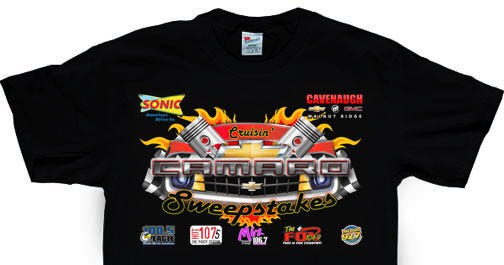
This article was promoted by yet another call from a new T-Seps user (large company) faced with the same old "we can't print that"...
Simulated Process Color Separations for Screen Printing – Part One
Part One of a two part article. Click here to read Part Two.
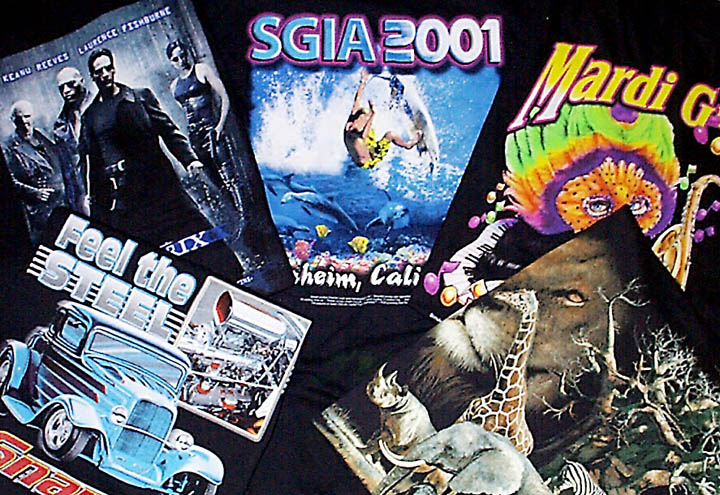
Printing detailed, photorealistic images on dark shirts has always been the ultimate...
Simulated Process Color Separations for Screen Printing – Part Two
Part Two - Simulated Process Color Separations for Screen Printing. Click here to read Part One.
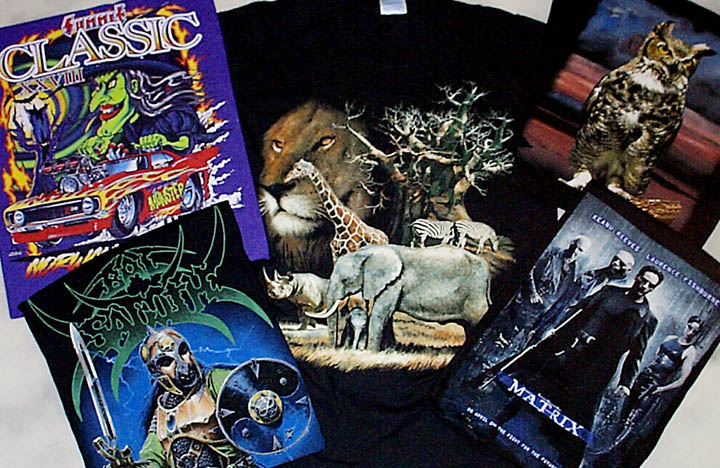
Creating Underbase White
If you are going on...

Creating Distressed Look in Corel Draw
OK, I have to admit it. I have written this article before. In fact, in looking for older versions I found an article I...
Creating an Underbase in Corel Draw
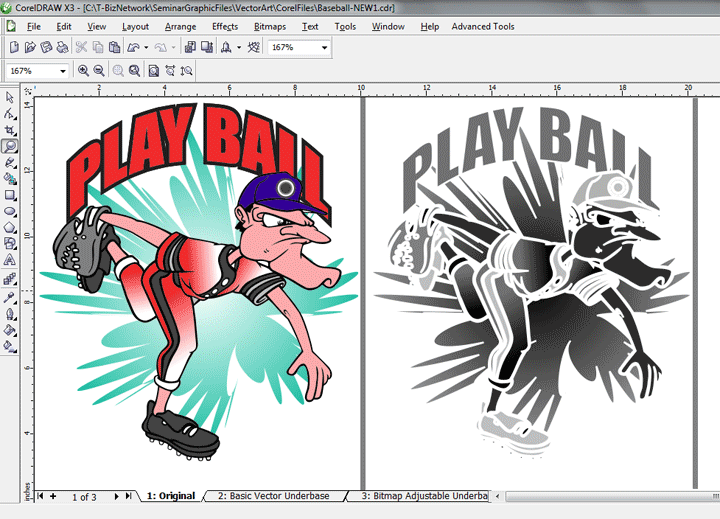
When printing on a black or dark background, you need to print either sold or halftoned underbase of white ink. This short article will
detail...

T-Seps is Compatible with the new Photoshop CC 2018.
Great news! T-Seps 3.5.5 is compatible with the new Adobe Photoshop CC 2018. Download a Free Trial today and start doing high-end printing on...
Blur Text – No, It’s Not Your Eyes
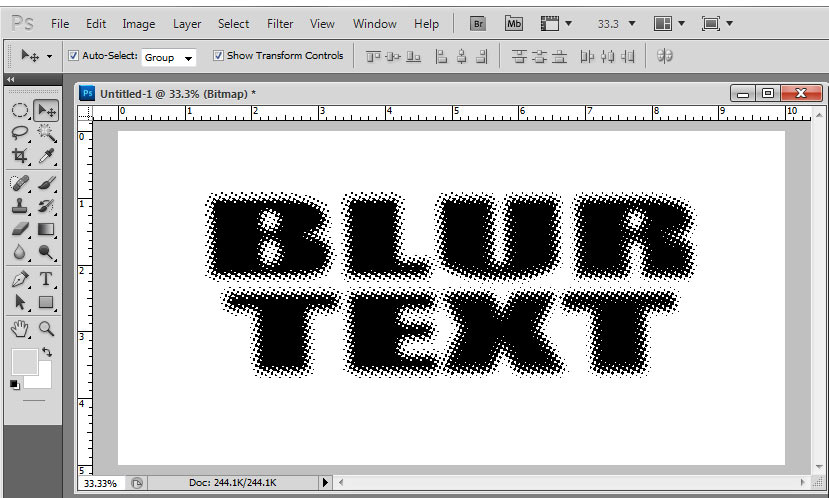
I find it very funny that we strive to do high end photo realistic images on light and dark shirts, and there is a...
Three new computer graphic articles from Scott Fresener
There are three new articles on the main Articles page. They are all on computer graphics and they are all topics that we deal with...
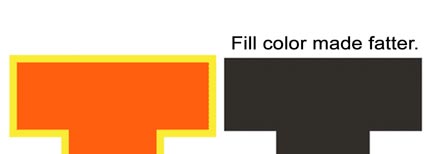
Choking, Trapping & Cleaning up Type in Photoshop – by Scott Fresener
A Little Background First
Choking and Trapping are two very common printing terms that relate to creating artwork that prints easy at the press. Computer...
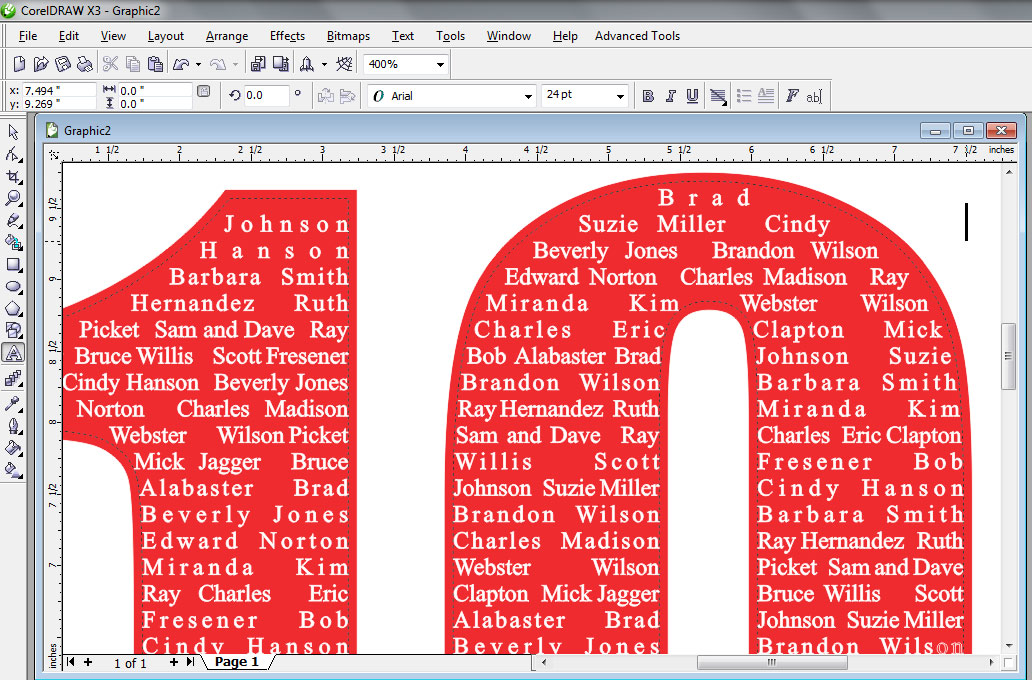
Class Name Shirts in Corel Draw
Some things never change. Regardless of what shirts are in style, there is still a market for putting a list of students in a...
Helping Artists Understand File Formats by Scott Fresener
This is a topic dear to my heart. Now that I am doing a lot of high-end color separations every day I have a...
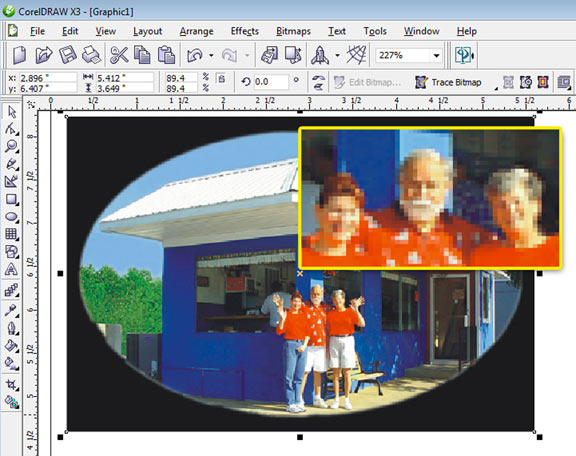
Improving Poor Photographic Images in Corel Draw
Never leave a piece of photorealistic artwork untouched.
Although Adobe Photoshop is...
New Computer Graphics Quick Tips Videos
In an effort to do more and more short videos we are now doing Quick Tips videos (less than ten minutes) on key specific...

Fake Stitch Look
This one is fun. Have you ever looked at a shirt from a distance and thought it was an emblem or cloth appliqué stitched...

Improving Poor Photographic Images in Photoshop
Always take time to improve photographic type images in Photoshop.
Adobe Photoshop is the defacto standard raster/pixel based program that the world uses for...
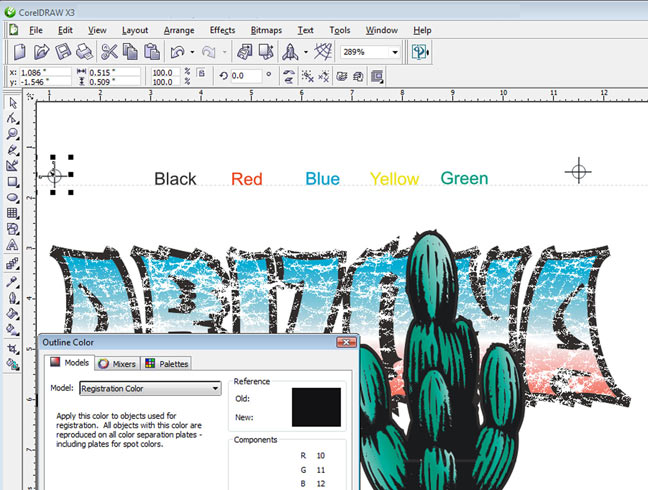
Color Separation Tips in Corel Draw
Over the years I have learned that one of the major secrets to good screen printing is good color separations. As you become a...
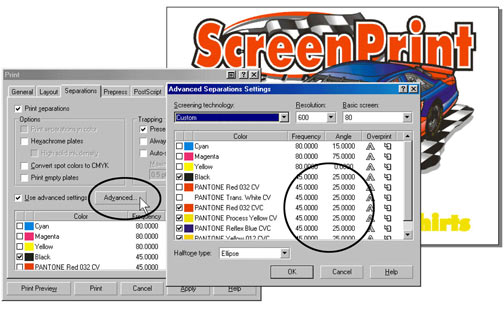
All About DPI, LPI, PPI & More
Quick Glossary:
Halftone - A series of large and small dots that represent image areas of a continuous tone image. Continuous tone artwork can be...
The Confusion over RIP Software by Terry Combs
If you’re a screen printer, and you make your own film positives, chances are you own RIP software.
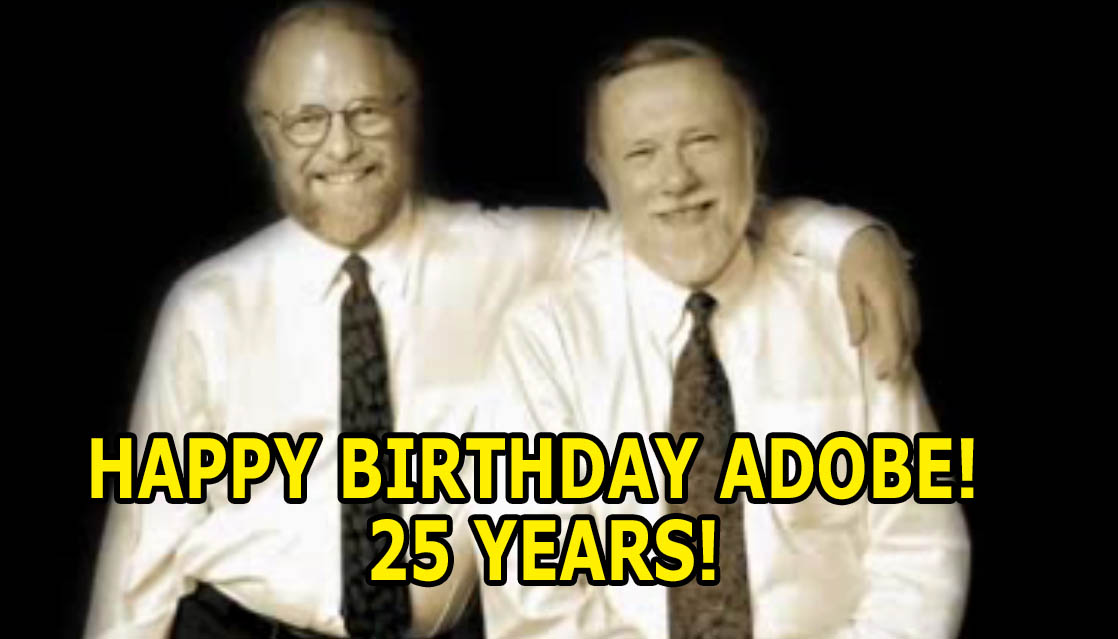
Happy Birthday Adobe! 25 Great Years
Adobe - the makers of Photoshop - is celebrating their 25th year! Who would have thought that a little company and simple program to...
Who really uses T-Seps and FastFilms?
Some days I feel like a hairdresser. I know much more than I should. Over the years I have had the great pleasure of...
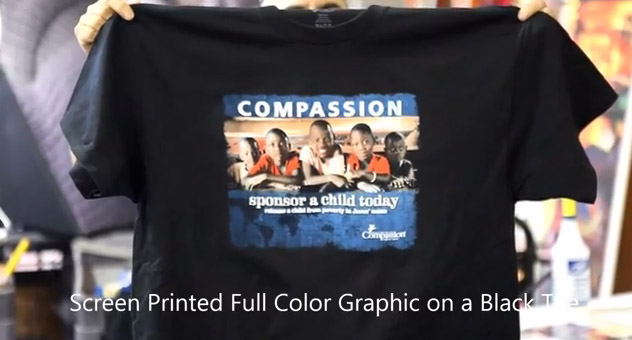
Customer’s first job with T-Seps
I have been working with a start-up screen printer in Mesa, Arizona called Group Imaging and they are doing things all the right way....